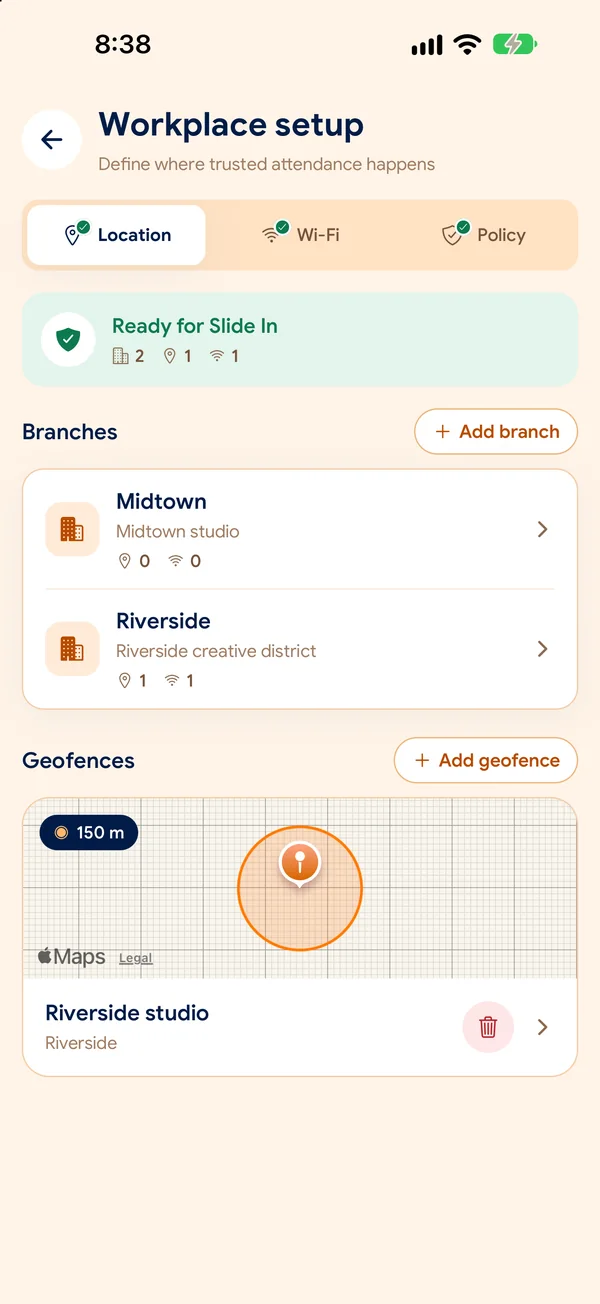
Workplace location
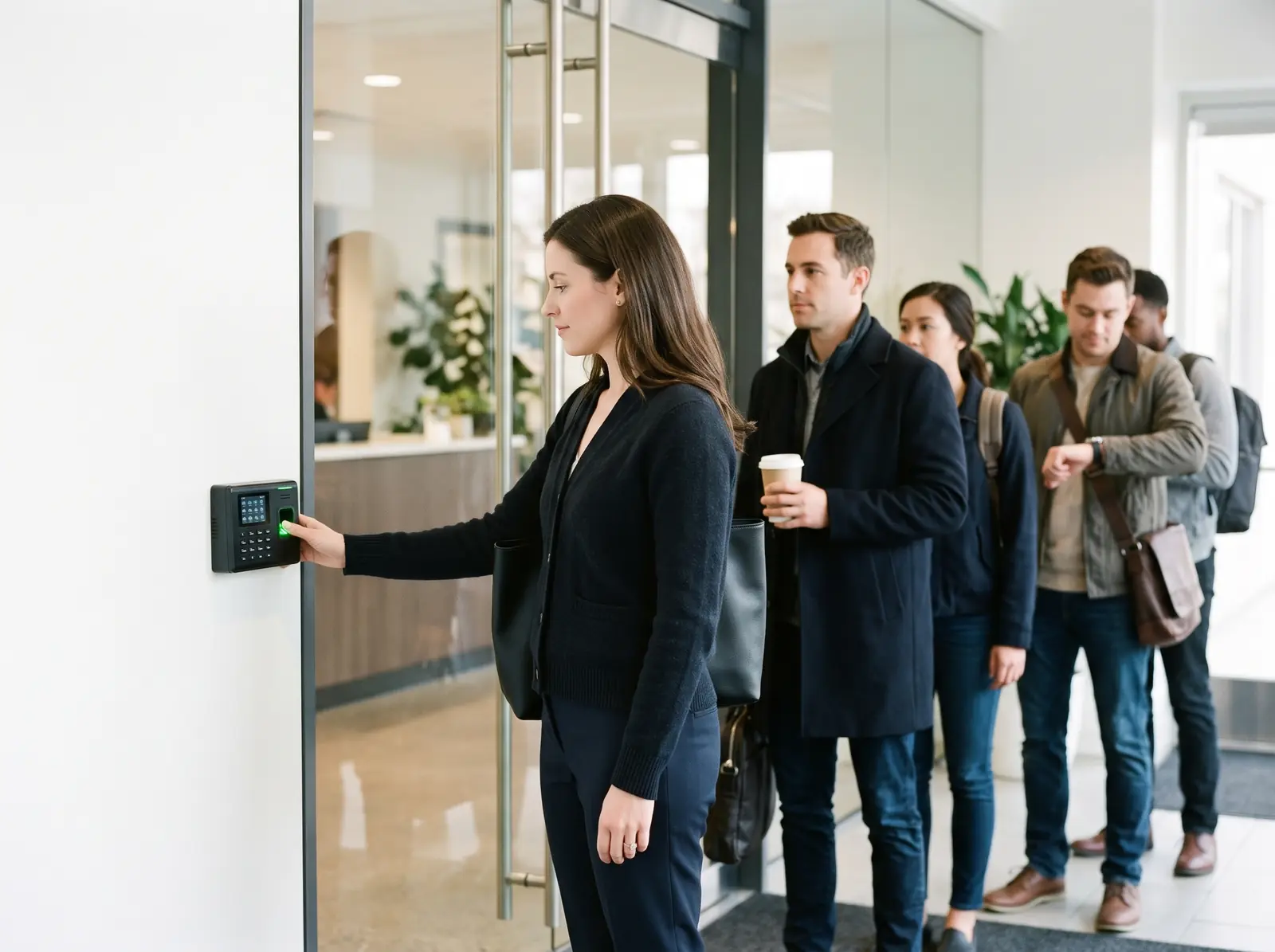
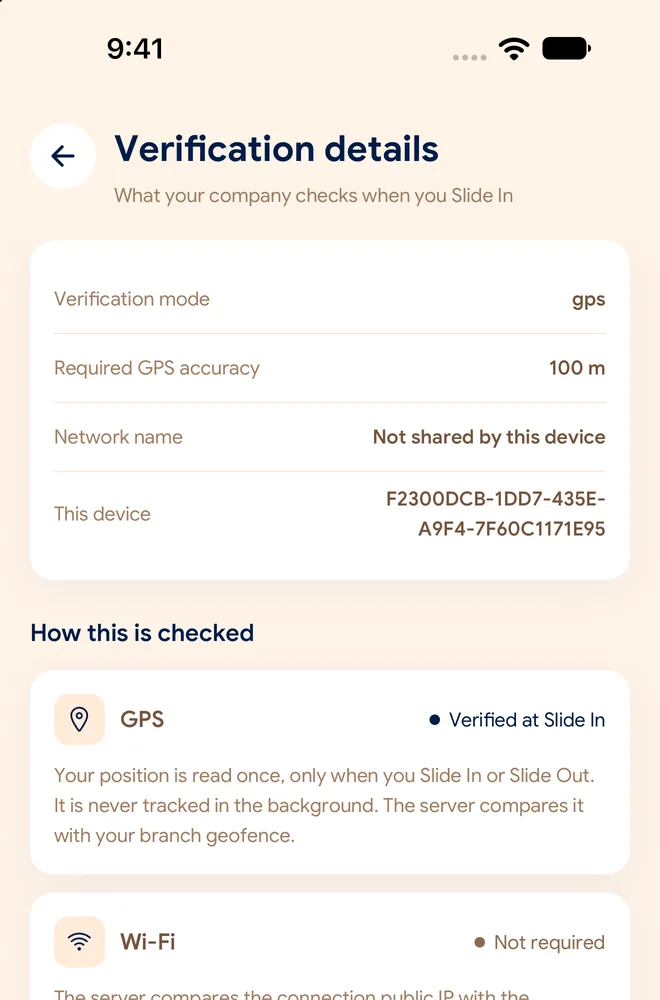
Check the employee’s location against the branch’s allowed area, only when attendance rules require it.
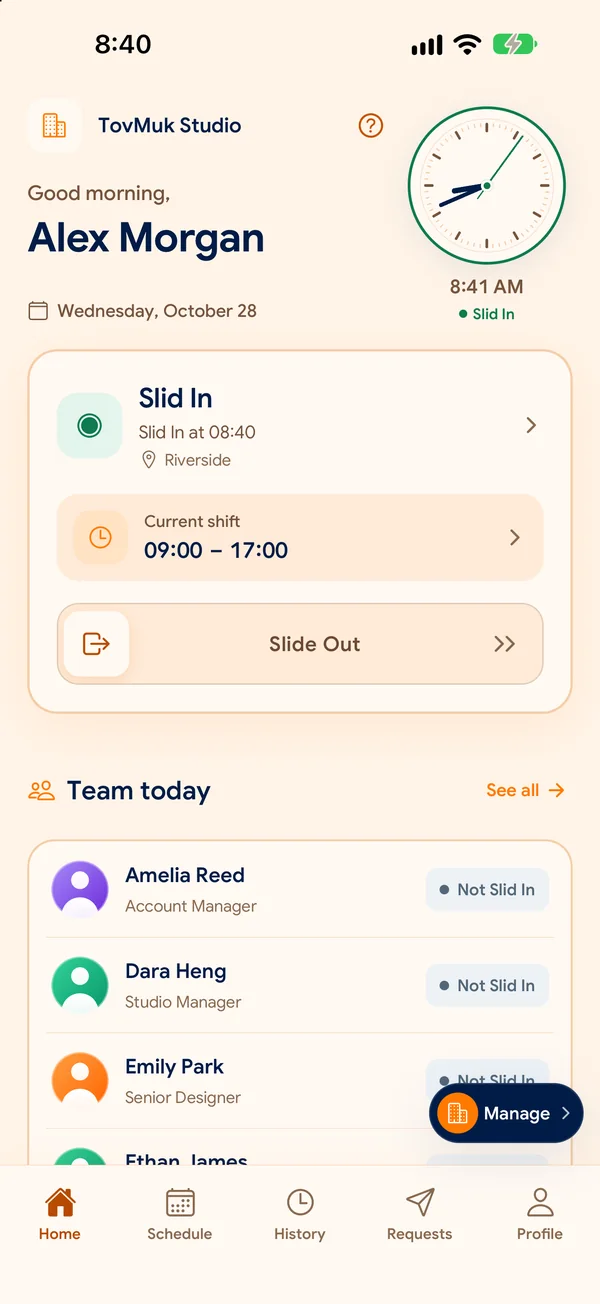
Employees slide to clock in or out. SlidesClock checks your workplace rules and gives managers trusted, structured attendance records.
Angkor Coffee Co.
Not Checked In
08:02Your workday starts here
Request updates in one place
See leave, overtime, and correction decisions in your notifications.
Company time · Cambodia
A familiar daily action. A clear record for the whole team. Try a clock-in below.
A demonstration only. Your location is not accessed and no attendance is saved. Your company chooses which checks apply.
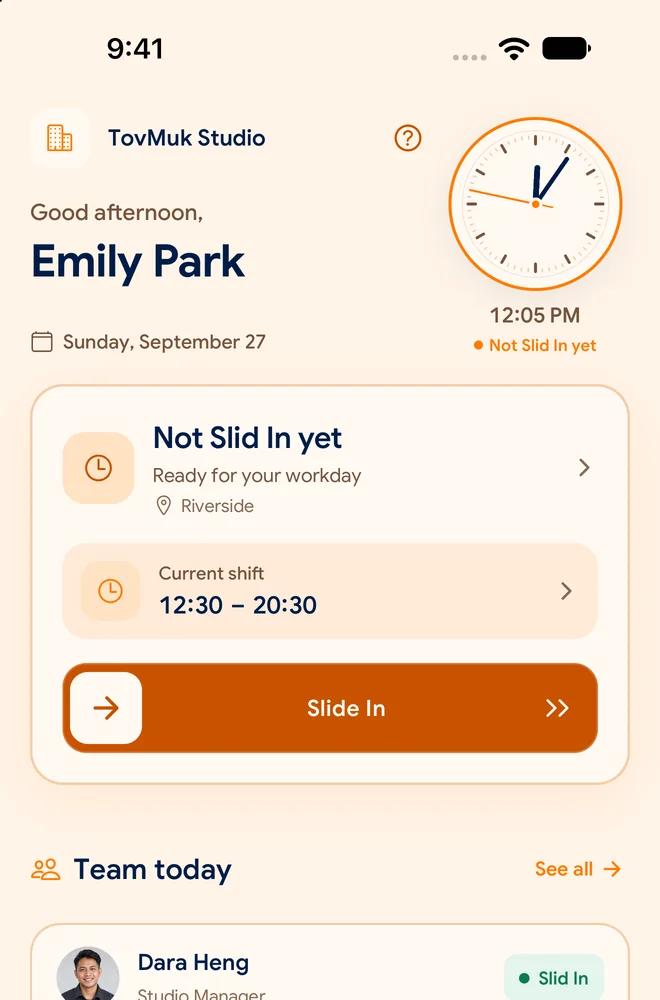
Open SlidesClock and see your shift for the day.
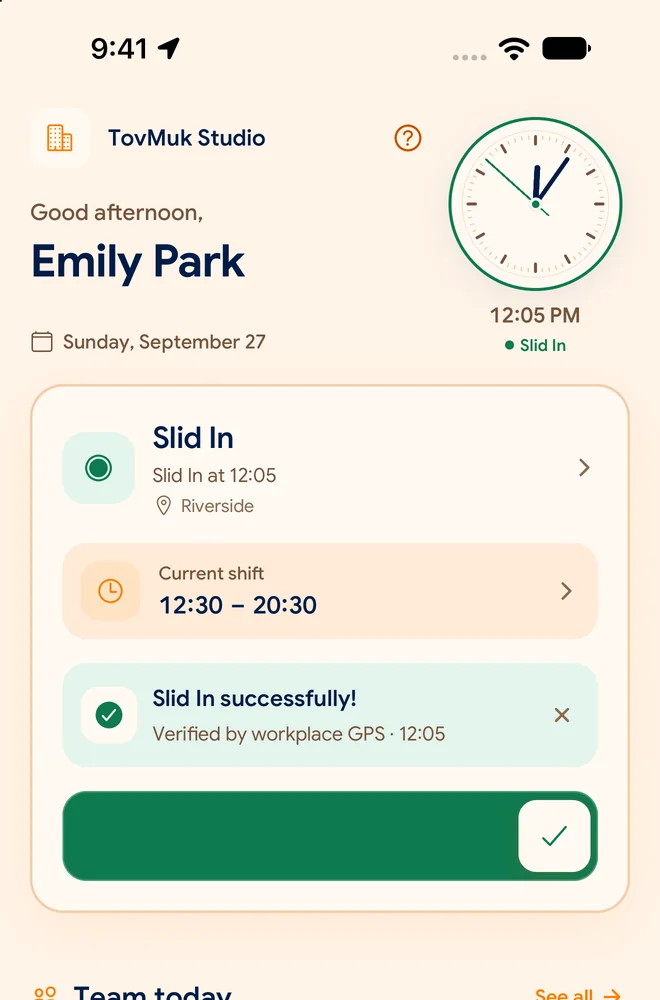
One deliberate slide starts your attendance check.
SlidesClock checks the rules selected for your branch.
Server-checked time and verification evidence appear in the company workspace.
Your workplace. Your rules.
Use GPS, office Wi-Fi, registered-device rules, or a combination that fits each branch. SlidesClock checks the chosen policy when employees clock in or out.
Explore the employee experience · Sample data
Workplace rules · Verification evidence · Recorded time
Original attendance events stay preserved. Corrections are recorded separately.
Check the employee’s location against the branch’s allowed area, only when attendance rules require it.
Check approved workplace network evidence, including the public IP seen by the server. A practical option for indoor teams.
Require employees to clock in from a phone registered to their company membership.
Attendance uses the server’s timestamp, displayed in your company’s timezone. It does not rely on the phone’s clock.
Policies are configured per branch. A warehouse can enforce GPS, while an office tower can enforce Wi-Fi.
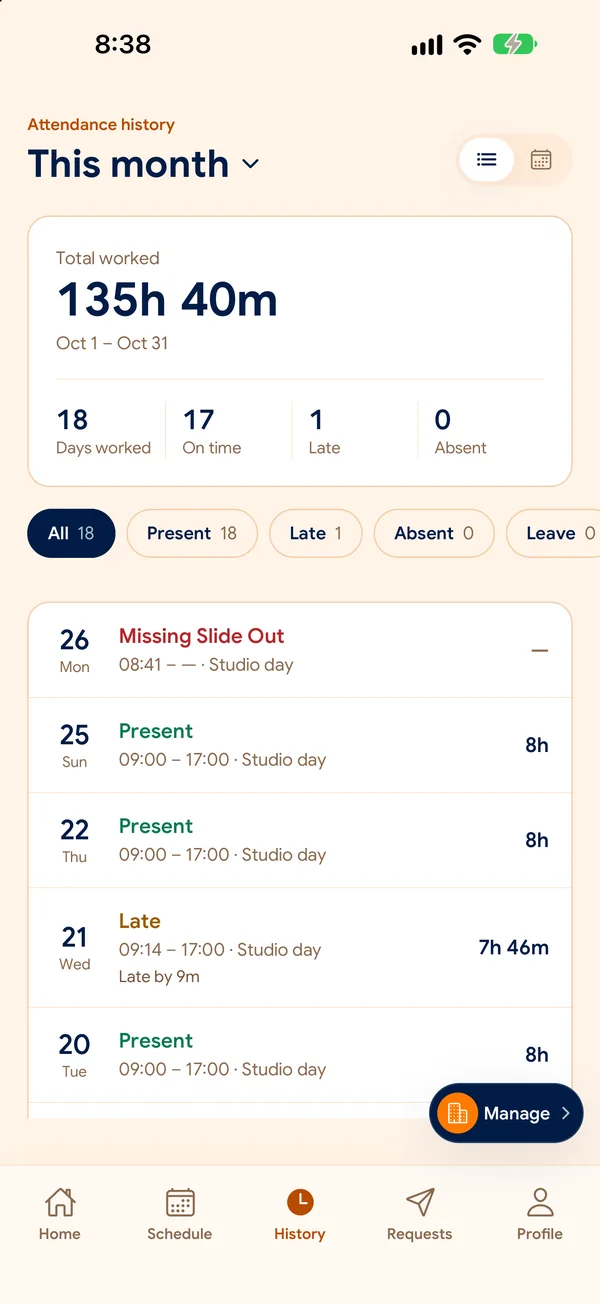
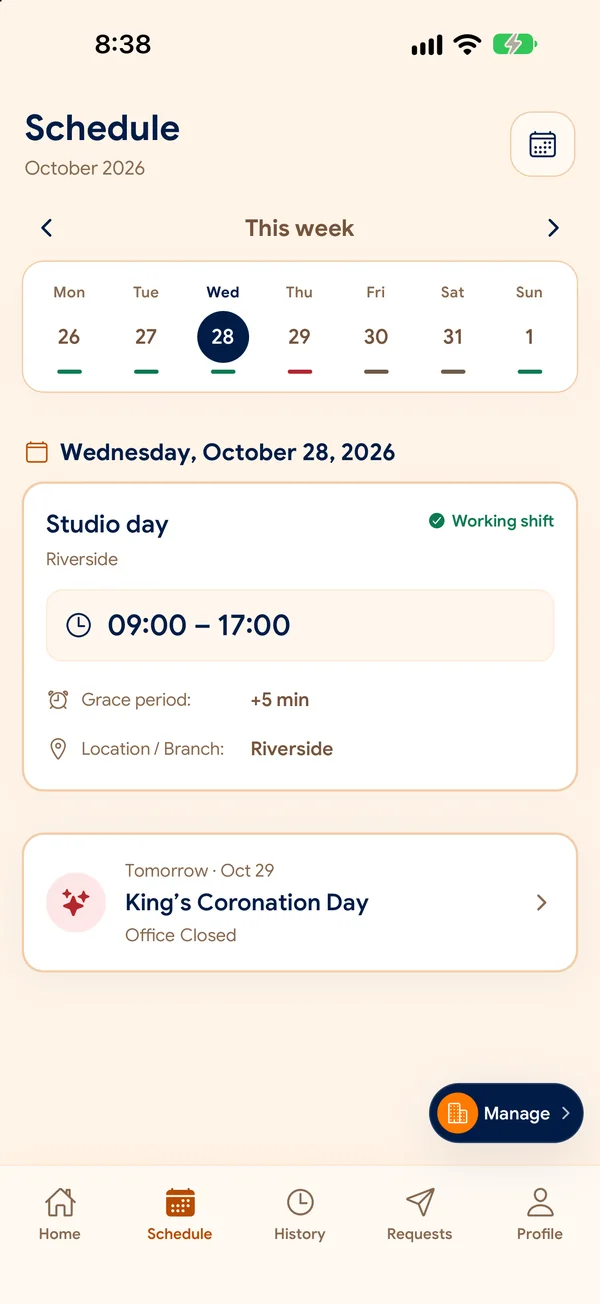
See the next shift, check your attendance history, and send requests without chasing messages.
Sample data
Staff see their current scheduled shift, location, and rest days on the home screen immediately upon opening the app.
Every clock-in and clock-out is recorded with clear status indicators, late minutes, and verified branch information.
08:01 AM · Verified Wi-Fi (On Time)
Frontline employees submit leave requests or attendance adjustment notes directly to managers with mandatory reason logging.
12–13 Sep · Family gathering
Requested clock-in: 08:30
For managers
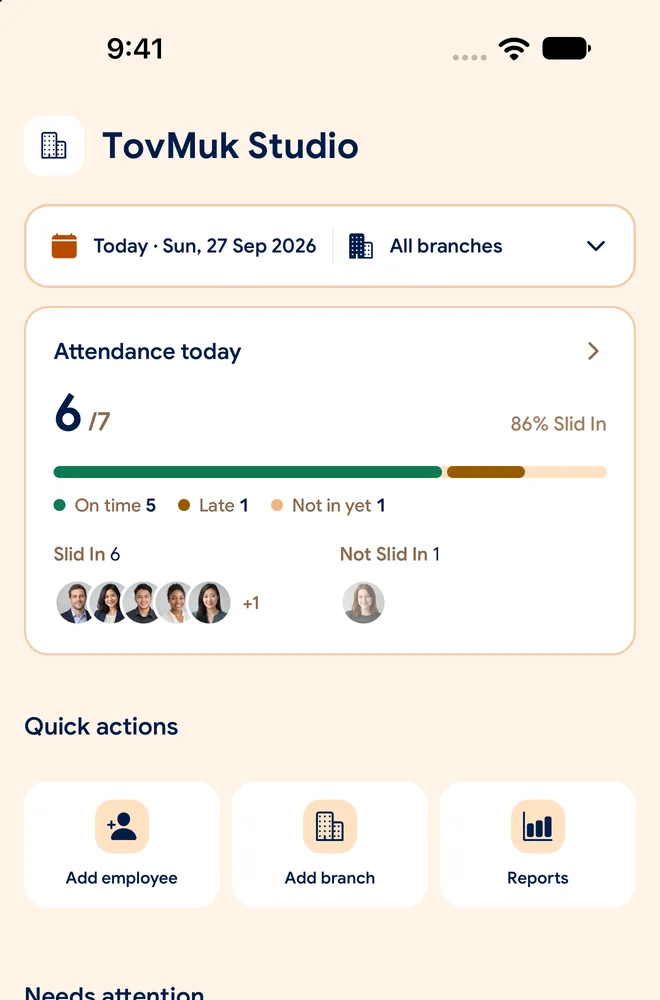
See who has arrived, review requests, and keep branches running smoothly. Turn attendance into useful reports when you need them.
Manager workspace preview · Sample data
Present
3
Late
1
On leave
1
| Employee | Branch | First In | Verification Evidence | Status |
|---|---|---|---|---|
| Sokha Chan | Phnom Penh | 08:02 | Workplace Wi-Fi | Present |
| Veasna Seng | Battambang | 08:14 | Workplace GPS | Late |
| Bopha Chea | Siem Reap | 07:00 | Workplace Wi-Fi | Present |
| Piseth Lim | Phnom Penh | — | Approved | On leave |

សាមញ្ញសម្រាប់បុគ្គលិក។ ច្បាស់លាស់សម្រាប់អ្នកគ្រប់គ្រង។
Simple for employees. Clear for managers.
From a neighbourhood café to a team across provinces, SlidesClock brings familiar language and local work routines into one place.
Employees can choose Khmer or English for their mobile experience, from clocking in to reviewing requests.
Cambodian national holidays—including Khmer New Year, Pchum Ben, and Water Festival—can be populated into company holiday schedules.
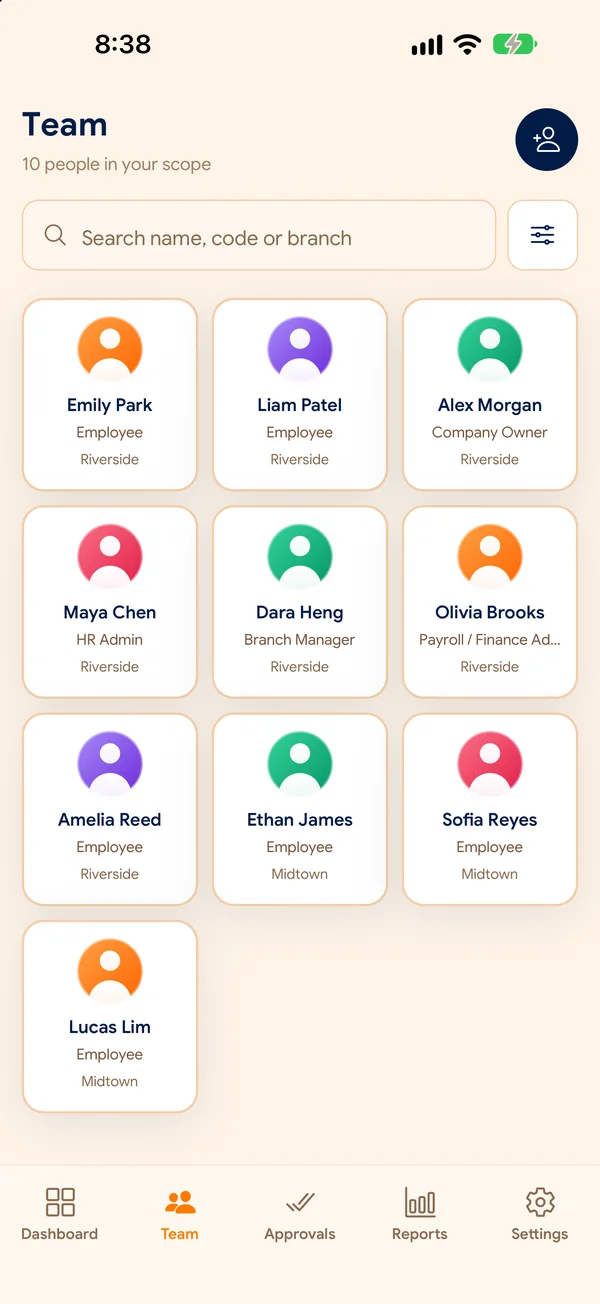
Organize local teams, branch rules, and schedules together. Branch availability depends on your plan.
Schedules, requests, reports, and workplace policies stay connected. Choose the tools your team needs, with features available by plan.
Set work hours, recurring schedules, rest days, and overnight shifts.
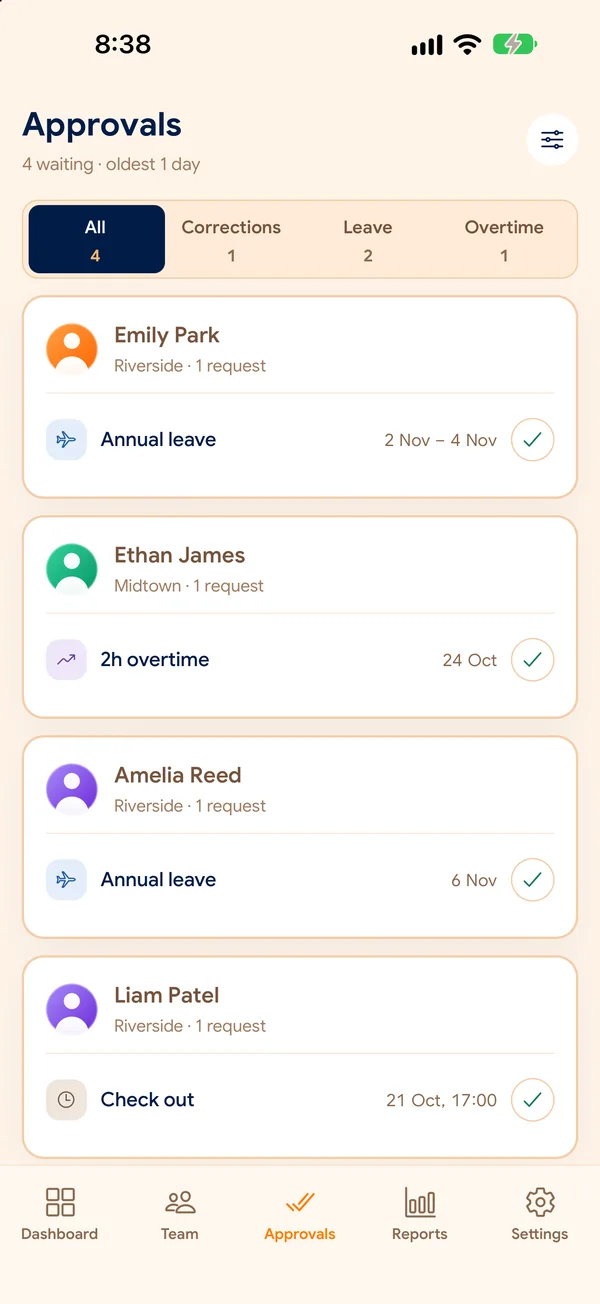
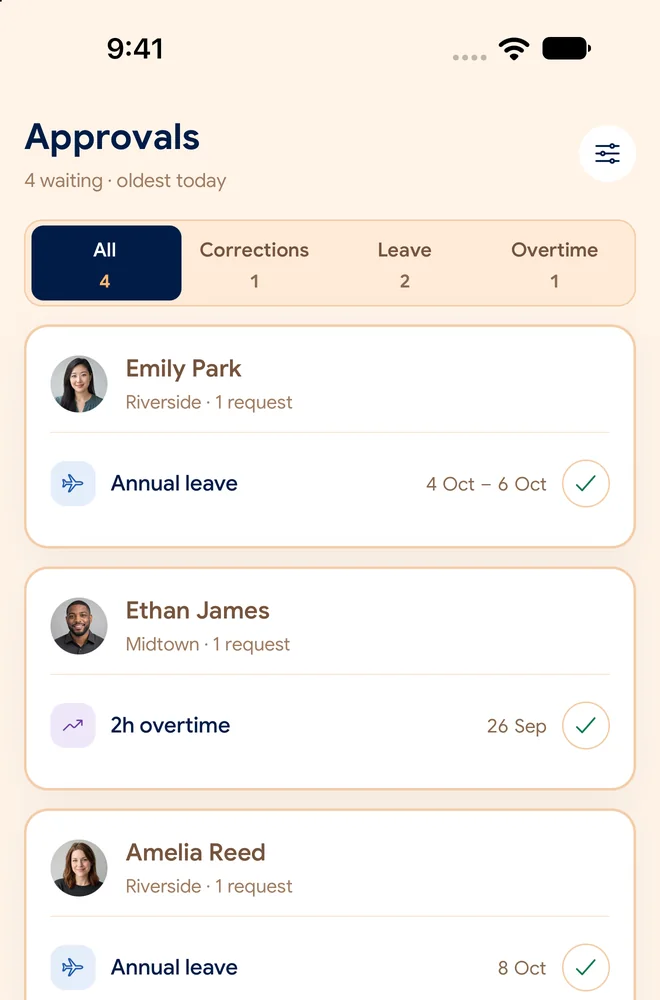
Request time off, review leave decisions, and keep the team informed.
Track hours worked beyond scheduled shifts with transparent supervisor approvals.
Employees submit correction requests when unexpected delays occur. Original events remain preserved.
Review attendance summaries by branch and date range, with exports on supported plans.
Maintain accountable records of roster adjustments, policy changes, and supervisor actions.
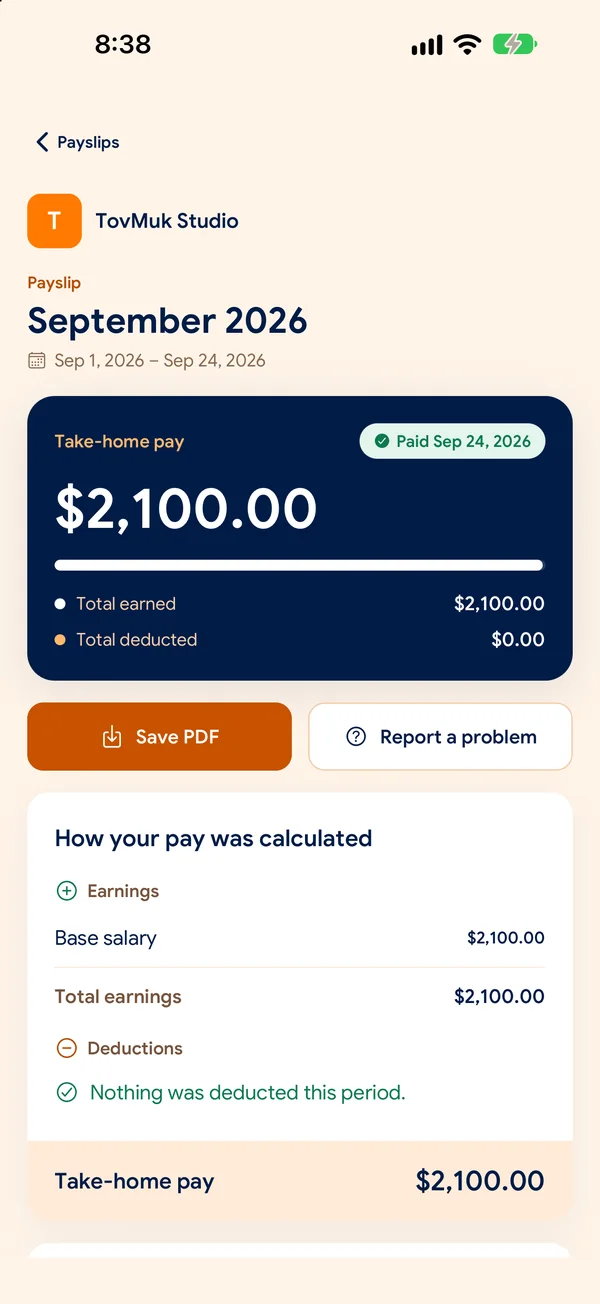
Calculate earnings, deductions, and generate payslips directly from attendance records. Kept entirely optional for organizations that only need attendance.
Give managers the evidence they need and employees a clear understanding of what is recorded.
Location is checked at clock-in or clock-out only when your workplace policy requires it. SlidesClock is not designed for continuous employee tracking.
Original attendance punches cannot be altered or silently deleted. If a supervisor approves a correction, it is logged as an independent adjustment event.
Company workspaces keep records scoped to the right organization. Role-based permissions control what employees and managers can see and do.
Review recorded administrative actions, policy changes, and corrections with an audit history.
Plans for your next step
Explore Free, Standard, Premium, and Empire in SlidesClock. Compare the current price, team limits, and included tools before choosing.
Free
Standard
Premium
Empire
Company owners can view current plans in the app under Management → Subscription. Prices and availability can depend on your billing platform.
How to get startedHere is how SlidesClock fits into a real working day.
No. Employees open SlidesClock and slide to clock in or out. The workplace rules chosen by your company determine how attendance is verified.
No. Location is checked at attendance time only when the branch’s policy requires it. SlidesClock does not continuously track employees throughout the day.
Yes. A branch can use Wi-Fi, GPS, either one, or both. Your manager configures the allowed workplace networks and location rules.
Branch allowances and employee seat limits depend on your active plan tier. Smaller businesses can start on Free or Standard, while multi-branch enterprises can scale into Premium or tailored Empire agreements.
Yes. Employees can choose Khmer or English in the mobile app, including the attendance and request workflows.
Staff submit leave requests directly inside the mobile app, selecting the leave category and dates. Branch managers receive the request in their dashboard or mobile management view to approve or decline with notes.
No. Payroll is optional and available on supported plans. You can use SlidesClock for attendance, schedules, and requests without running payroll.
On supported plans, employees can request a correction with a reason. Managers review it before approval. The original attendance event stays preserved.
Yes. Attendance records, daily summaries, and punch logs can be exported directly from the web dashboard as CSV files for easy import into spreadsheets or third-party accounting systems, subject to plan.
Create your company in the mobile app, choose your workplace rules, and welcome your team.